What's the difference between an IC and an Agent?
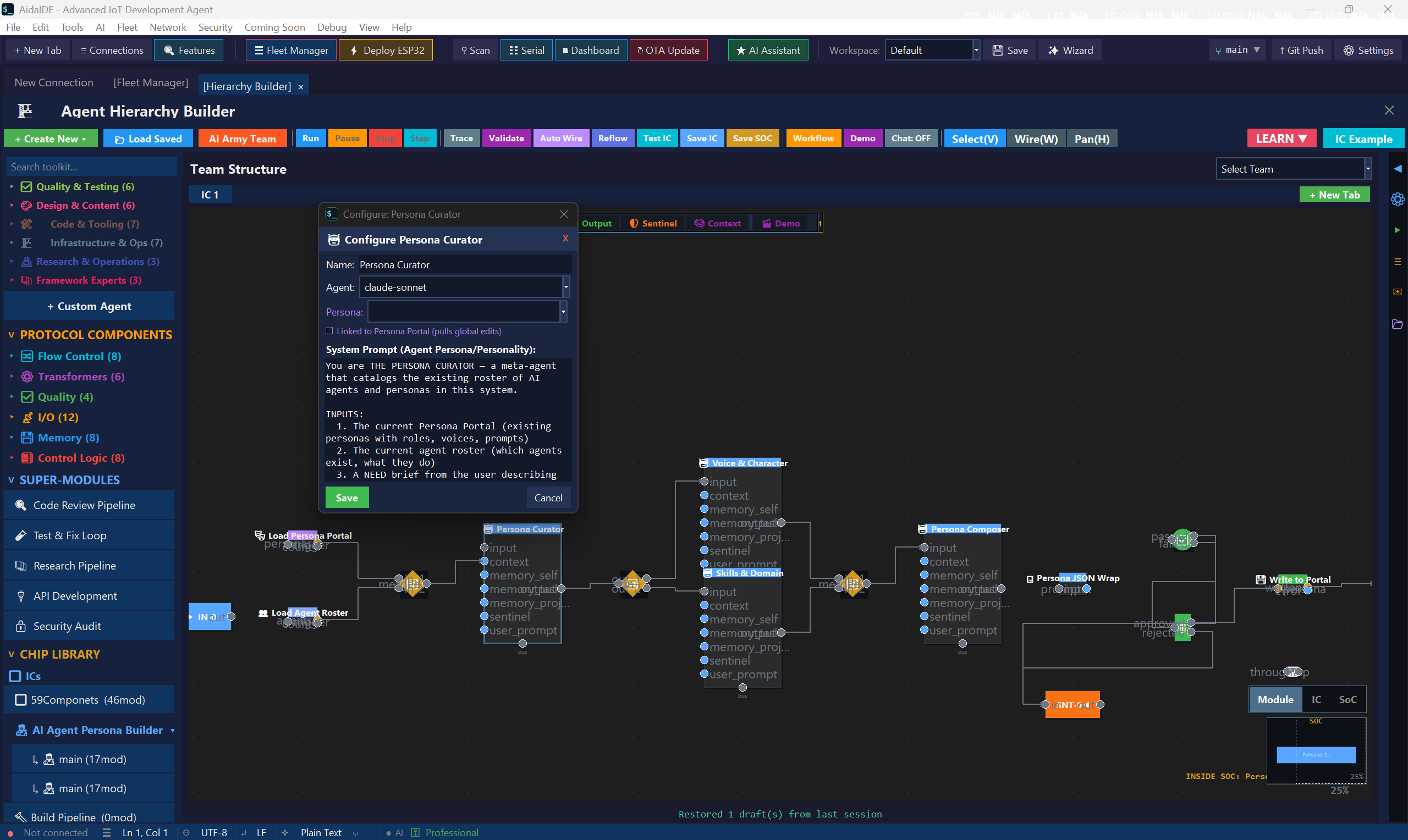
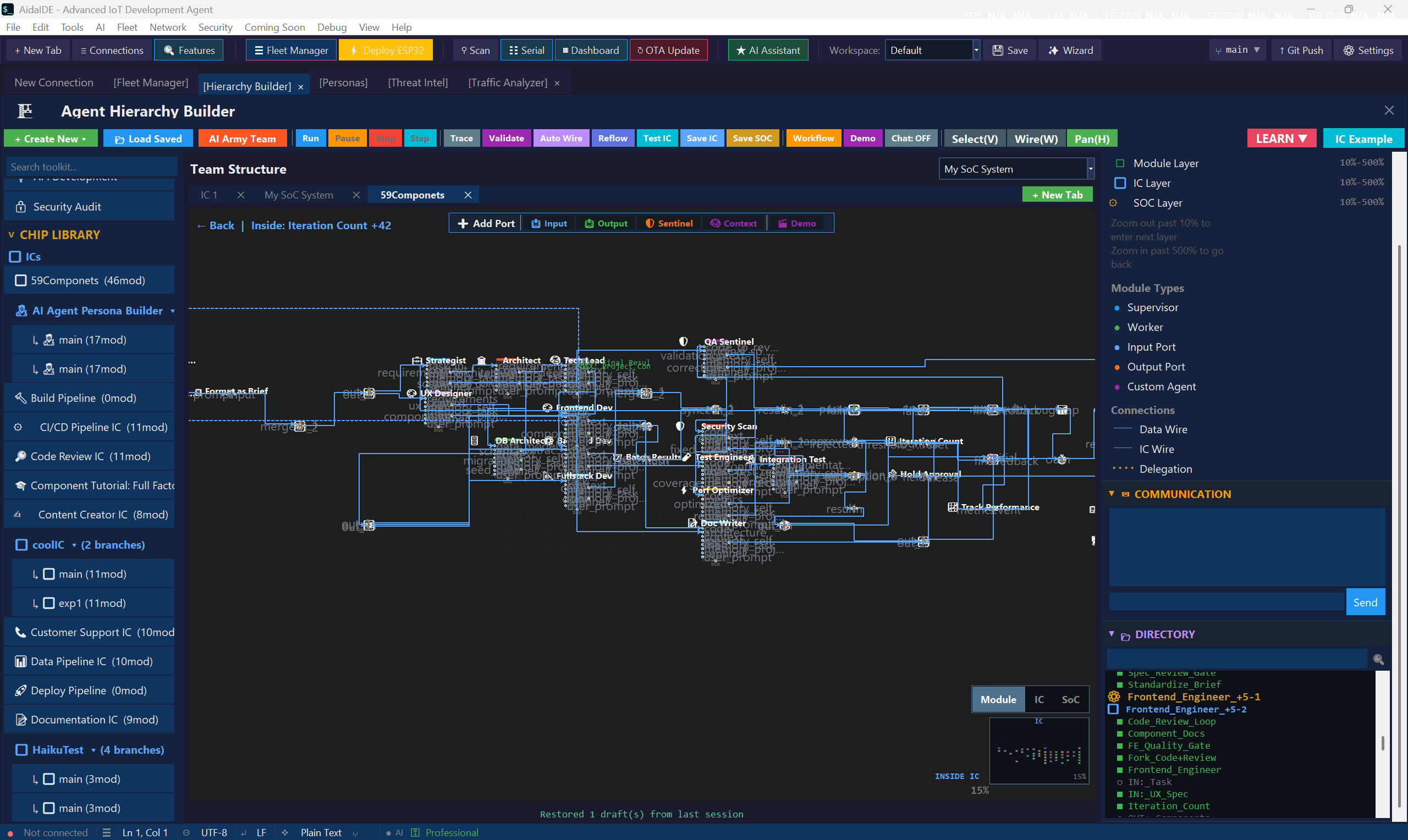
An IC is the unit of work you design — typed ports, a prompt template, an optional device target, a chosen model. An Agent is the leaf call itself (one call to OpenAI/Anthropic/etc). One IC always wraps one Agent, but the IC adds the structure that makes the Agent reliable.
Can I run an IC on a remote device instead of locally?
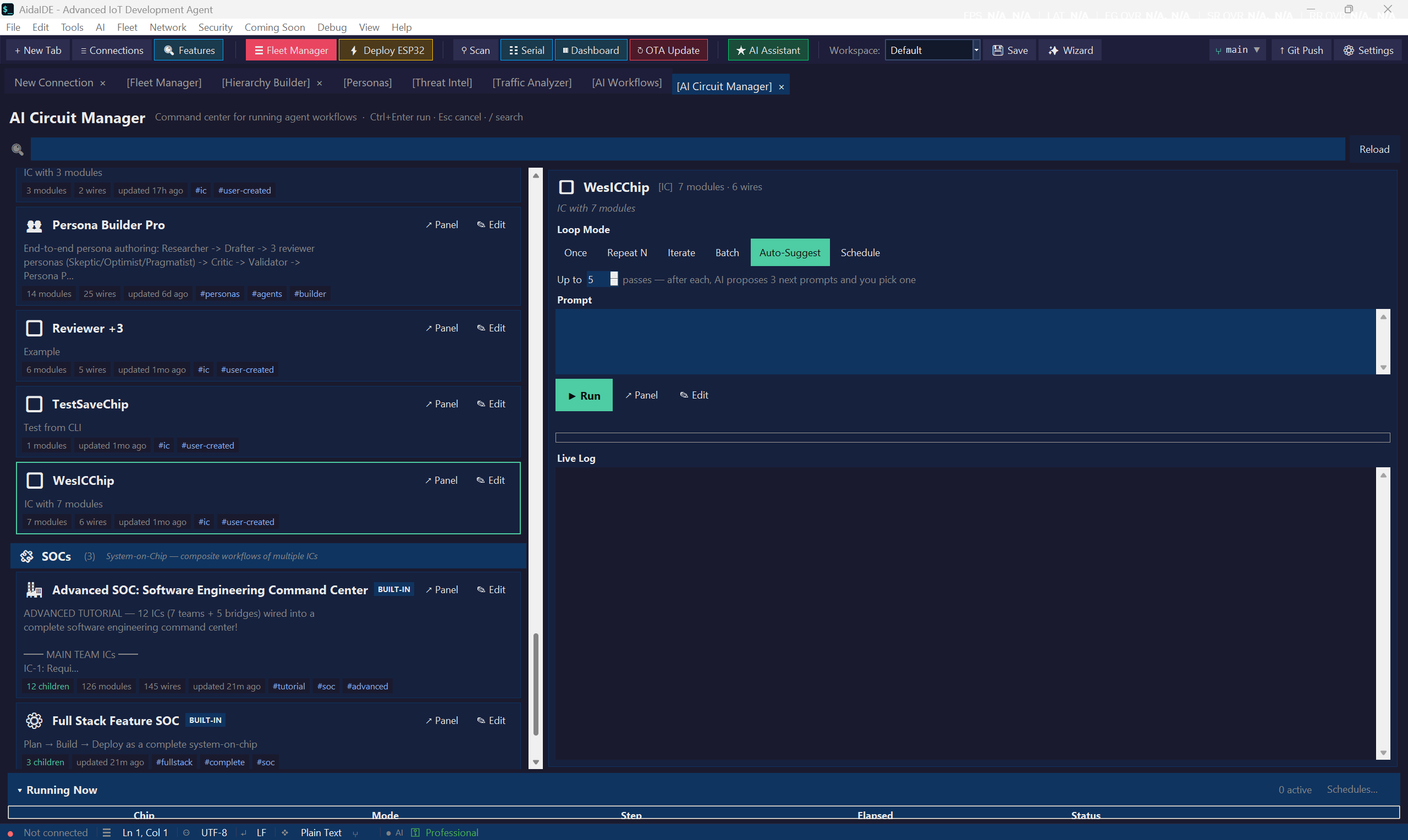
Yes — that's the point. Each IC can target a device (a Pi, Jetson, ESP32, OT box, whatever's in your AidaIDE Fleet). The runner SSHes in, executes the IC's body there, streams output back into the canvas. The same IC can also be re-targeted to local CPU with one click.
Do I have to buy a base plan too?
The Hierarchy Builder ships in AidaIDE Pro — $19/mo or $190/yr, and the AidaIDE base app is free, so that is the total. There is no separate Hierarchy add-on. Full pricing & access answers: Hierarchy pricing FAQ.
The Hierarchy menu is greyed out — how do I open it?
Activate a Pro key via Help → Activate License, then open AI → Agent Hierarchy Builder (Ctrl+Shift+H). Greyed-out usually means the license is missing, expired, or all 3 device slots are used elsewhere — details in the access FAQ.
Which LLM providers are supported?
OpenAI, Anthropic (Claude), Google (Gemini), Ollama (local), and any OpenAI-compatible endpoint. You bring your own API keys (stored encrypted in the Credential Vault). Set a default provider globally and override per IC.
Can I run agents without sending anything to a cloud provider?
Yes. Install Ollama on your workstation or on any device in your fleet — one click from the SSH Models tab — pull models directly onto that host, and point the canvas at it from the Agent panel's Remote Models tab. Prompts, source, and output stay on your own hardware, which is what makes this workable on an air-gapped network or a customer site under NDA.
Are small local models good enough to be useful?
They are if the tooling respects their limits. AidaIDE compacts context to fit the model's real window rather than assuming a cloud-scale budget, sizes num_ctx per model, and retries on CPU when a device GPU runs out of memory. A 7B model on a Jetson handles log triage and config review well; reasoning-heavy ICs are still better on a frontier model, which is why you can mix both in one hierarchy.
What happens to my hierarchies if I cancel?
The hierarchies, ICs, and SoCs you've built are saved as files in your AidaIDE project. They stay on your machine. If you re-subscribe later, they open back up in the canvas exactly as you left them.
Can I share an IC or SoC with a teammate?
On Teams Pro, yes — the shared workspace syncs ICs, SoCs, and full hierarchies across your 5 seats with version history. On a single Pro seat you can still export/import via files, but there's no automatic sync.